Future-proof thanks to product updates and upgrades

Always on the cutting edge of technology.

We are continuously developing our Smart Home products with regular software updates and functional upgrades. New functions, optimised workflows and additional integrations, coupled with completely new operating devices, make planning, start-up and operation easier for you – for future-proof Smart Home projects that meet all of your customers’ needs.

Filter by system

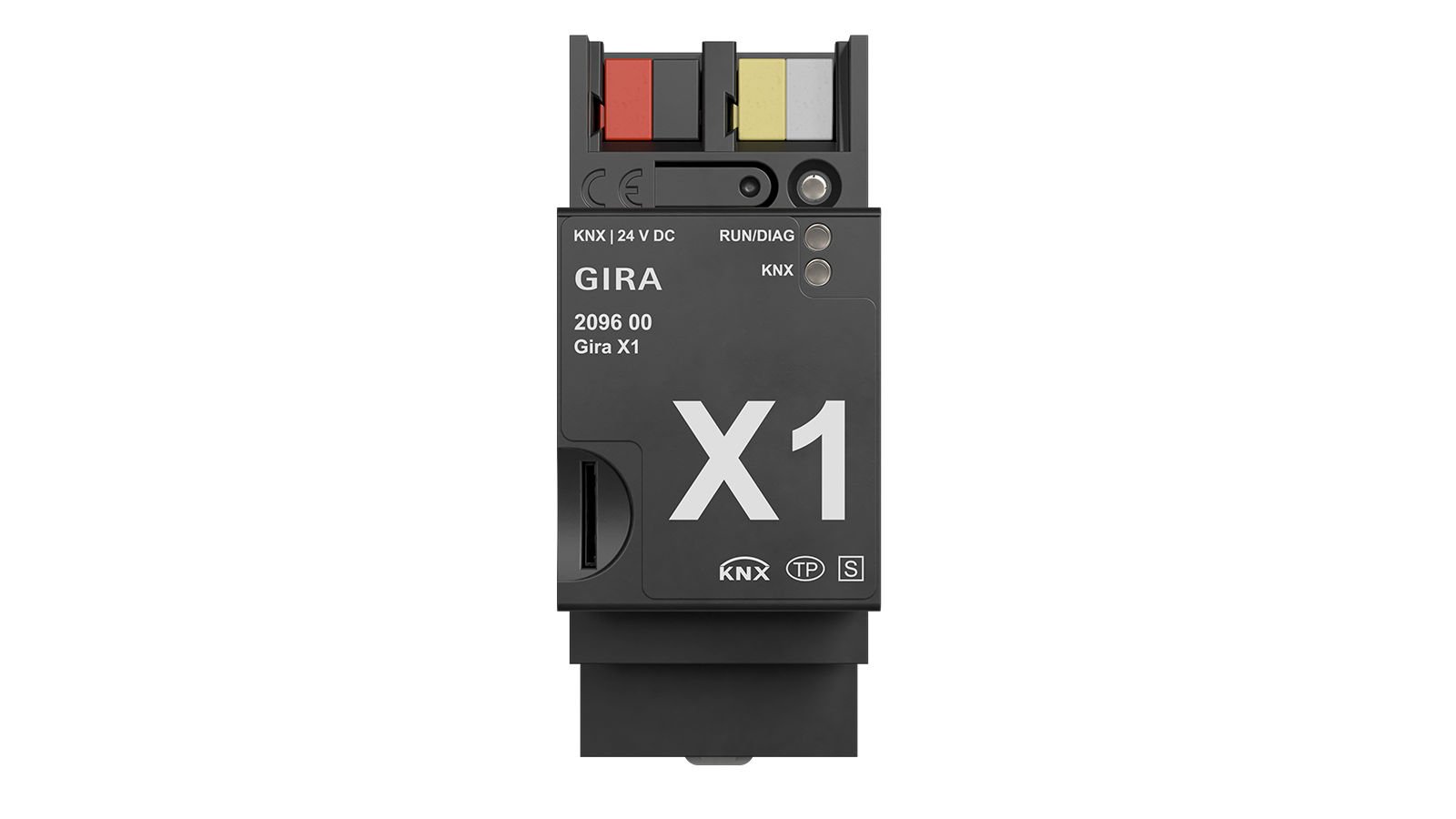
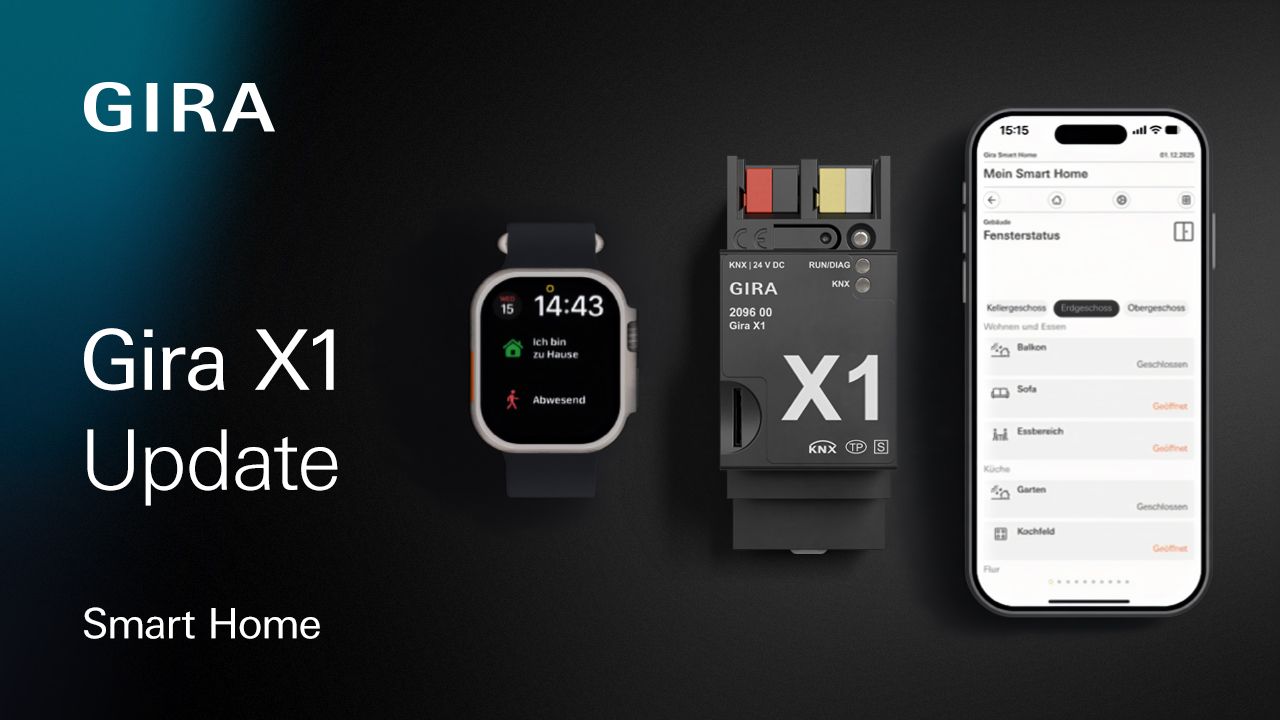
Gira X1 update. Greater convenience. Better overview. Improved compatibility.

The most recent update and the latest versions of the Gira Smart Home App and the Gira Project Assistant (GPA), bring numerous new functions to the Gira X1 for even greater convenience in planning, start-up and operation. The update significantly expands the range of available functions, from optimised heating control and the simple integration of IP cameras and weather data to new possibilities for visualisation, colour control and shading. In addition, numerous enhancements have been made to the Gira Project Assistant and new operating options have been introduced for mobile end devices.

  • Simple modernisation of the KNX heating control with relative target temperature setting.
  • Convenient integration of IP security cameras via RTSP and ONVIF.
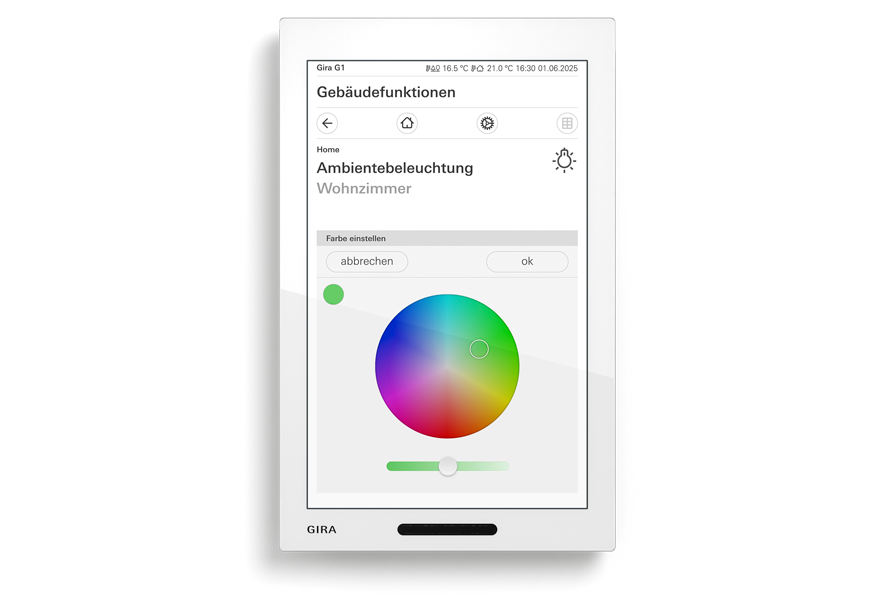
  • Intuitive colour control with 3-byte and 6-byte data points.
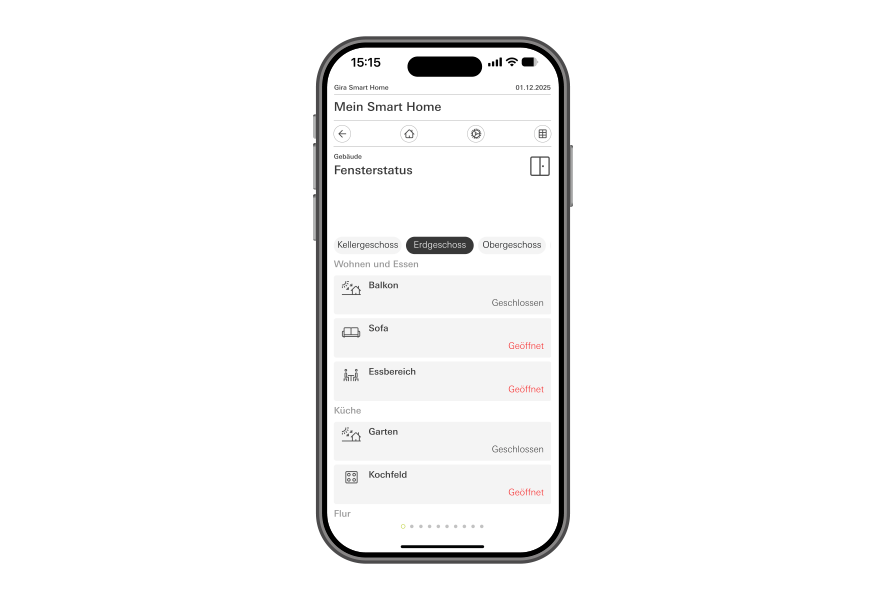
  • Clear display of status information with the multi-status display.
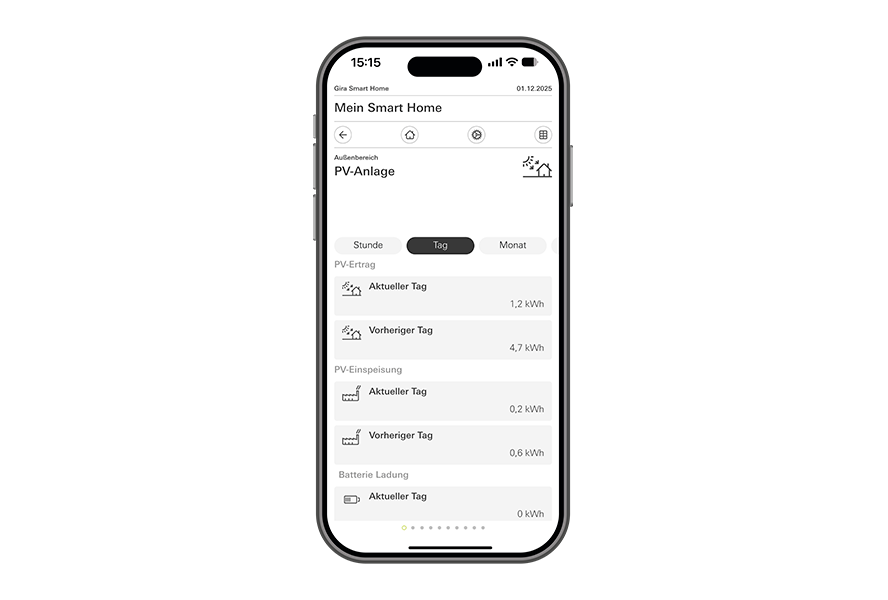
  • Transparent visualisation of energy consumption and generation.
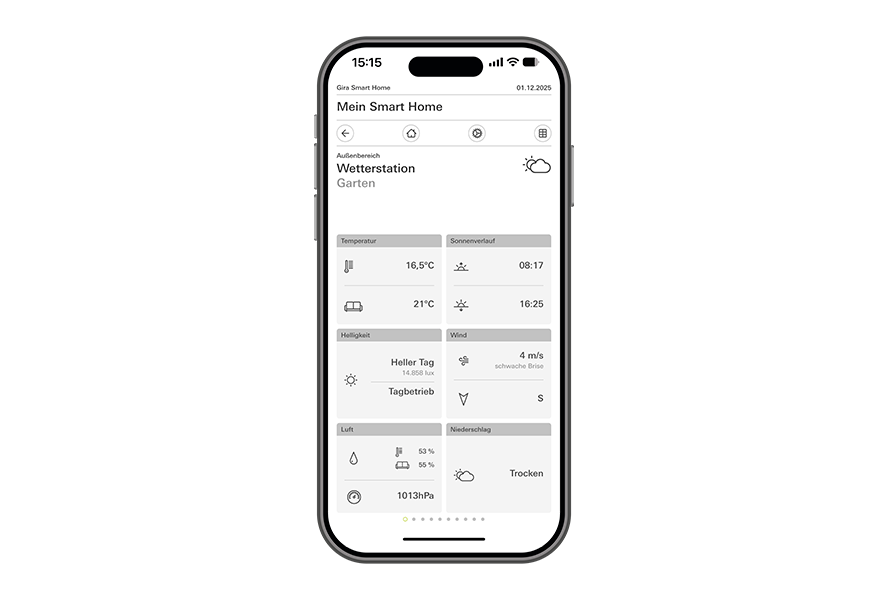
  • New visualisation templates for weather stations and sensors.
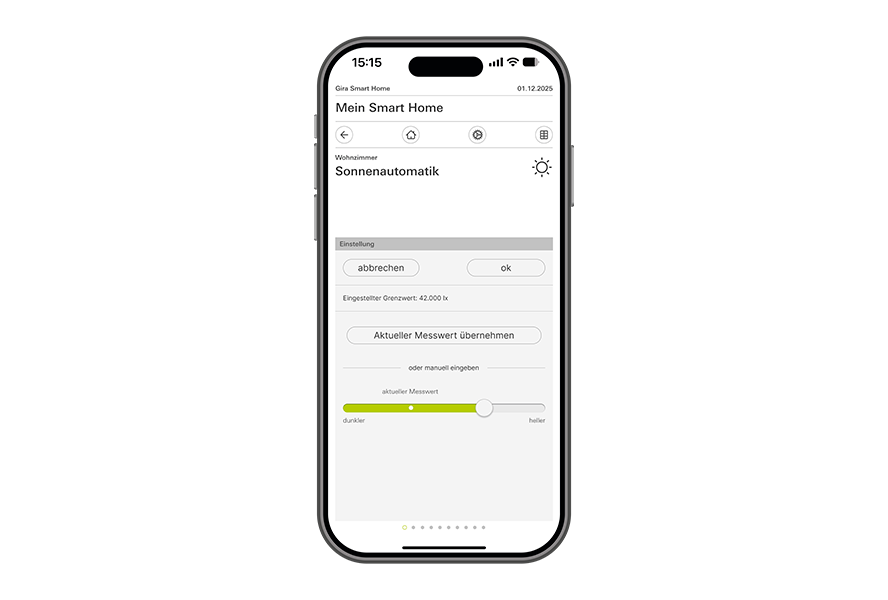
  • Automatic function with threshold transmitter for automatic sun protection.
  • Faster project planning with new GPA functions.
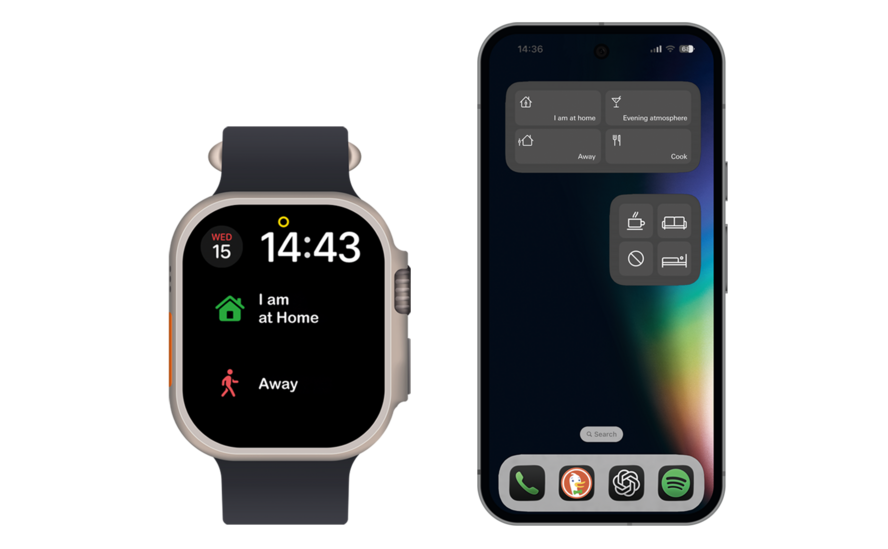
  • Quick access to scenes via new widgets.

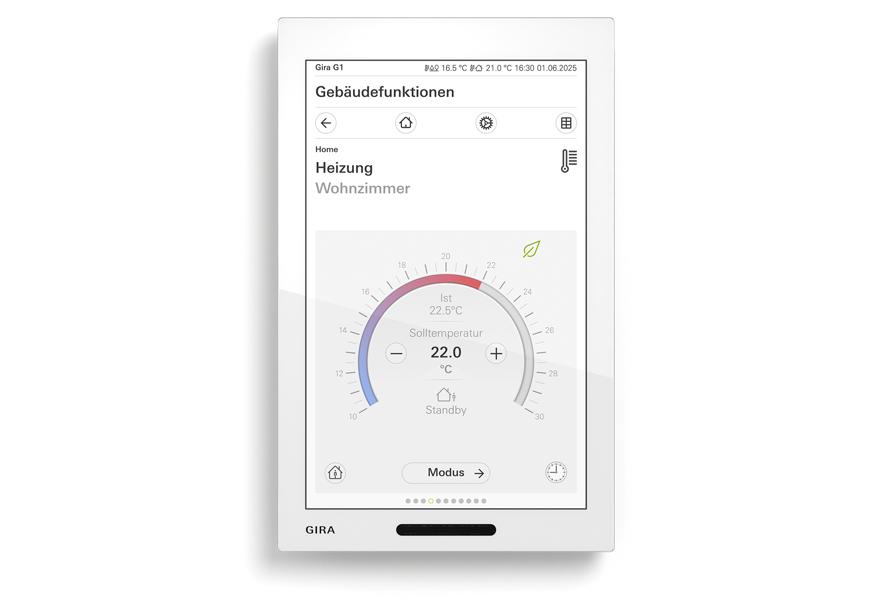
Easily modernise KNX heating control with relative target temperature setting.

Existing KNX heating controls can now be easily updated to incorporate the current range of functions of the Gira X1. With the new temperature control, which takes the form of relative target temperature setting, existing systems can be conveniently expanded without having to build the entire visualisation again from scratch. This saves time during project planning, reduces start-up effort and creates a future-proof solution for existing buildings.

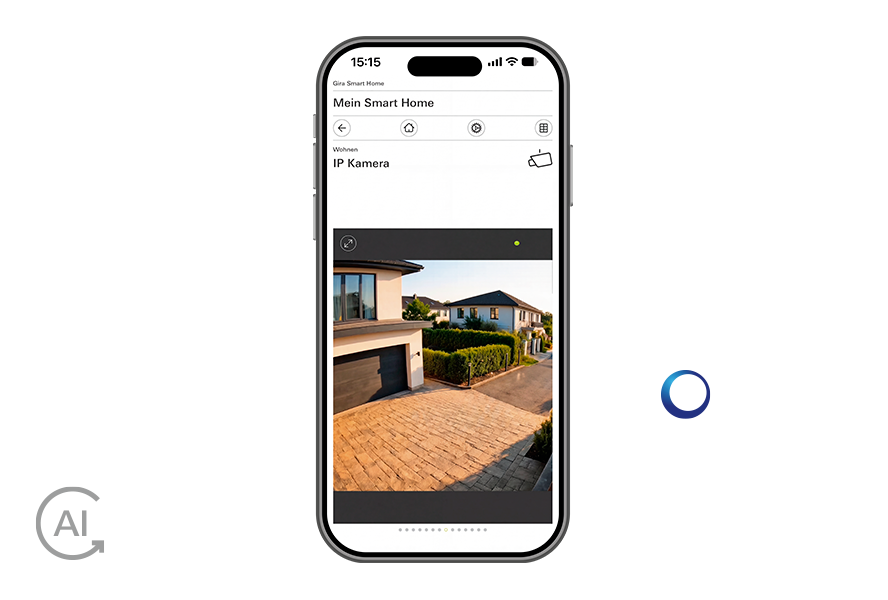
Easily integrate IP security cameras via RTSP and ONVIF.

With the current update, the Gira X1 now supports RTSP and ONVIF. This makes it easier to integrate compatible IP security cameras and view video streams directly in the Gira Smart Home App. It also expands the range of suitable camera systems available, simplifies planning and creates future-proof solutions for a wide range of applications.

Colour control is easy to implement.

Colour control with the Gira X1 now supports 3-byte and 6-byte data points for RGB and RGBW lights. When paired with the optimised Colour Picker, individual lighting concepts can be configured precisely and operated intuitively. When combined with the Gira DALI actuators and the DALI gateway, colours and colour temperatures can be conveniently controlled and light scenes can be flexibly implemented. This simplifies project planning and creates greater flexibility when planning modern lighting concepts.

Display status information clearly with the multi-status display.

With the new multi-status display and the associated logic nodes, more than 300 status values, such as window status, temperature or other statuses, can be clearly displayed in a single view in the Gira Smart Home app. This increases transparency, makes orientation easier and ensures intuitive operation, even with complex installations.

Clearly visualise energy consumption and generation.

The new visualisation for energy consumption and generation provides a clear overview of a number of consumption and generation values in a single view. The energy consumption and generation logic node and the multi-status display enable direct comparisons of energy data with previous periods – for example by day, week or month. This ensures simple analysis of consumption patterns and faster identification of potential for optimisation.

Weather information at a glance.

New visualisation templates for Gira weather stations and sensors bundle all key measured values together in a single, easy-to-read tile. This simplifies project planning in the Gira Project Assistant and ensures intuitive display in the Gira Smart Home App. A new visualisation template for automatic functions with threshold transmitters offers even greater functional convenience.

Convenient configuration of sun protection.

The new visualisation template for automatic functions with threshold transmitters simplifies the implementation of weather-dependent automation and day/night functions for shading systems. The preconfigured solution reduces the project planning effort in the Gira Project Assistant and facilitates start-up. Sun protection functions can be set up efficiently and adapted to individual requirements.

Quickly record the status of Gira switching actuators.

New status information for Gira switching actuators is displayed directly in the function visualisation. This improves the current system status overview, simplifies operation and creates greater transparency during daily use.

Easily access the status of the Gira blind actuators.

New status information for Gira blind actuators can also be found directly within the function visualisation. This allows system statuses to be recorded more quickly, making operation even clearer and more convenient.

Start scenes faster with widgets.

New widgets for Apple iOS 26, Android, Apple Watch and Mac provide direct access to frequently used scenes, without needing to open the Gira Smart Home App. Favourite scenes can be started directly from the home screen. This streamlines operation and ensures an even more intuitive Smart Home experience.

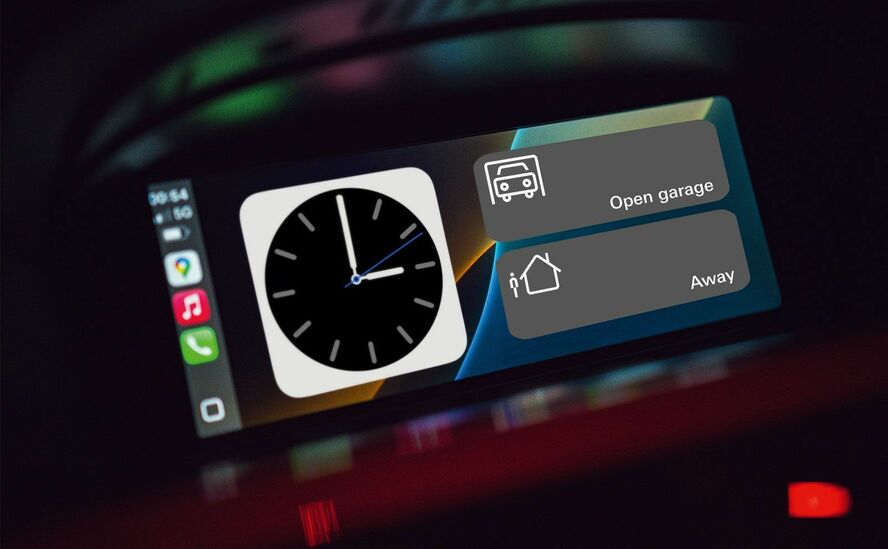
Direct access via Apple CarPlay.

Integration with Apple CarPlay allows quick access to selected Smart Home scenes directly via the vehicle display. Key scenes can be conveniently operated without having to switch to a smartphone. For example, the garage door can be controlled when entering and leaving, making your journey home the starting point for automation.

Control Smart Home via Apple Siri.

Thanks to the new Apple Siri Shortcuts, scenes can now be activated by convenient voice commands via Apple devices or Apple CarPlay. This ensures fast and intuitive operation and supplements the control options offered by the Gira Smart Home App.

New symbols for a personalised interface.

More than 400 new symbols allow for even greater customisation of the visualisation. The extended range of design options facilitates orientation within the Gira Smart Home App and provides an interface that is perfectly tailored to the respective installation and the needs of its users.

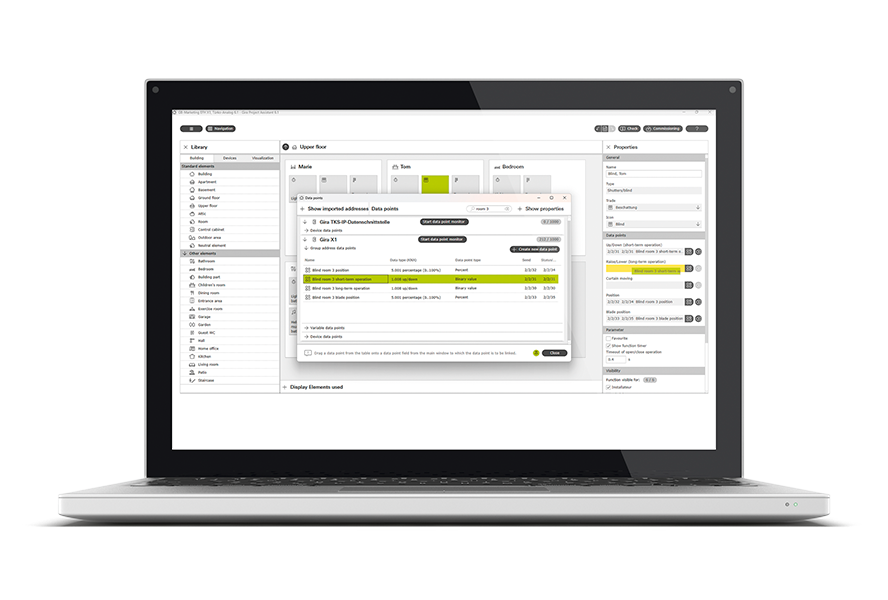
GPA | Assign data points more quickly.

The optimised data point window in the Gira Project Assistant enables the data point window to be permanently opened and drag-and- & drop to be used to assign data points. This speeds up data point assignment, reduces clicks and ensures a smooth project planning process – even for large projects.

Download the new version here

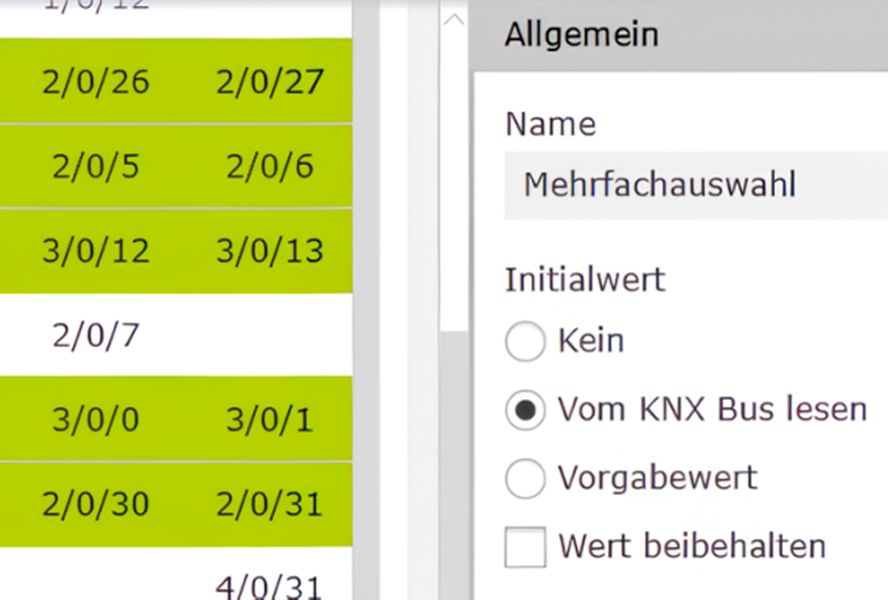
GPA | Edit several data points at the same time.

Initial values can now be set for several data points in a single step. This reduces repetitive work steps, saves time during project planning and greatly simplifies the handling of large projects.

Download the new version here

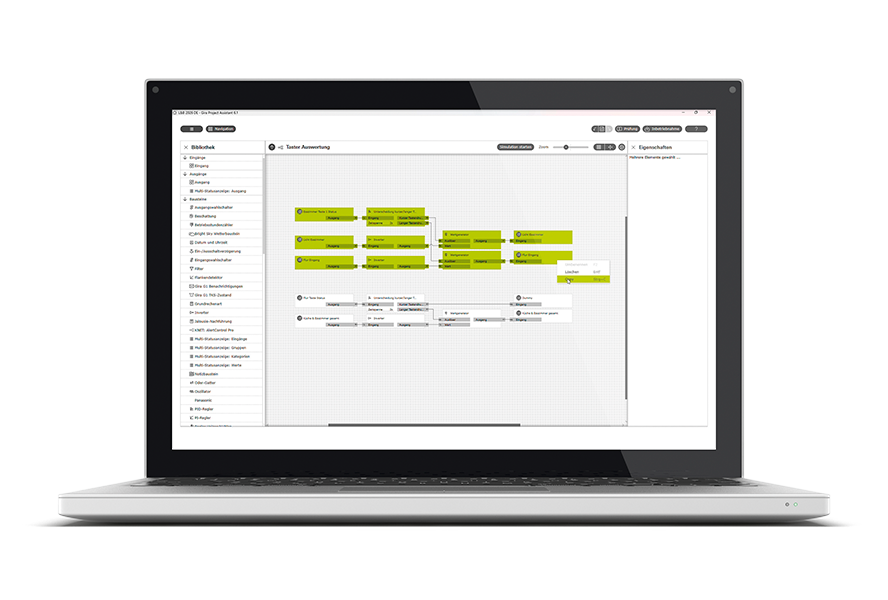
GPA | Create logics faster.

The new copy-and-paste function in the logic editor simplifies the creation of recurring logic structures. Logics can be easily duplicated, speeding up project planning and reducing errors in complex projects.

Download the new version here

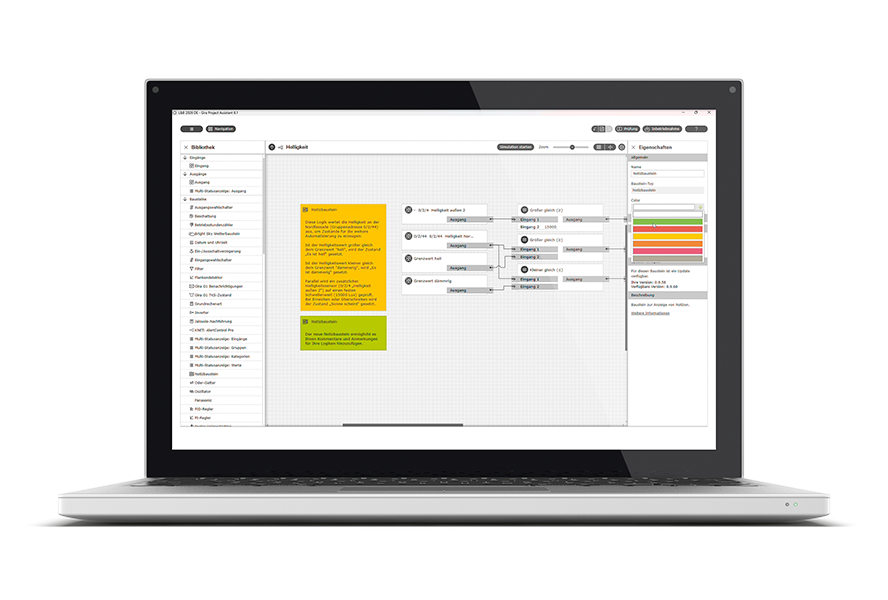
GPA | Save notes directly in the logic.

The new comment function can be used to save notes directly in the logic editor. This improves traceability, facilitates teamwork and simplifies subsequent maintenance within complex projects.

Download the new version here


Gira One Update: new products, functions and solutions.

Version 4.0 is the latest in a series of continuous developments for Gira One. New operating devices such as the Gira G1 (2nd generation), the Gira G1 XS and the pushbutton sensor 4.70 further expand the system. It also includes integration of the weather control unit and the DALI Actuator Colour 4-gang, as well as new functions for button control and mobile control. The result: greater convenience and flexibility during project planning and a wealth of new possibilities for modern Smart Home projects.

  • Convenient control via widgets, Apple Watch, Siri and CarPlay.
  • Individual visualisation with more than 400 new symbols.
  • Central operation of light, heating, shading and scenes.
  • Greater convenience and flexibility for modern Smart Home projects.

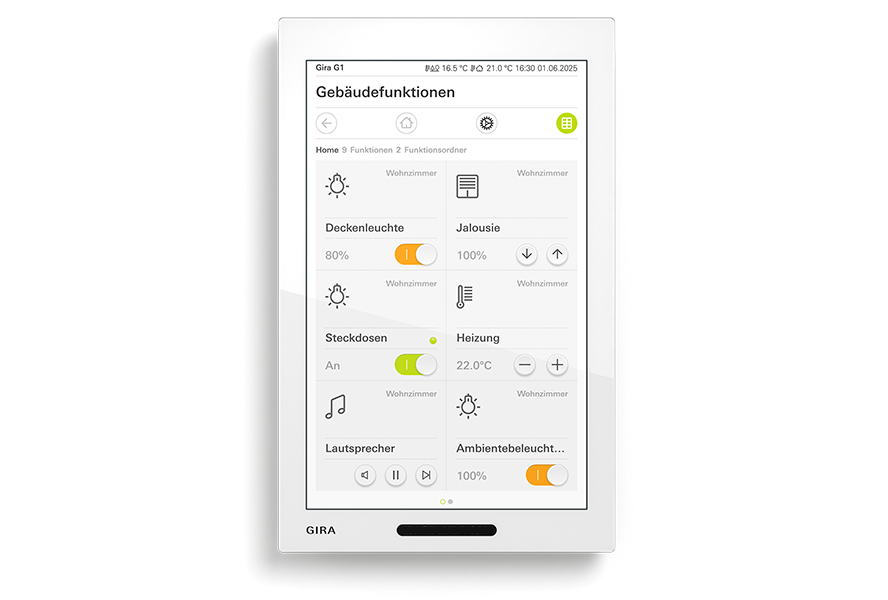
Gira G1 (2nd generation) – the premium operating device for Gira One.

The new Gira G1 (2nd generation) adds a powerful operating device to Gira One for light, blinds, heating, scenes and door communication. Its intuitive operation, impressive functional depth and cutting-edge design make it the ideal central control unit for demanding Smart Home projects.

Find out more

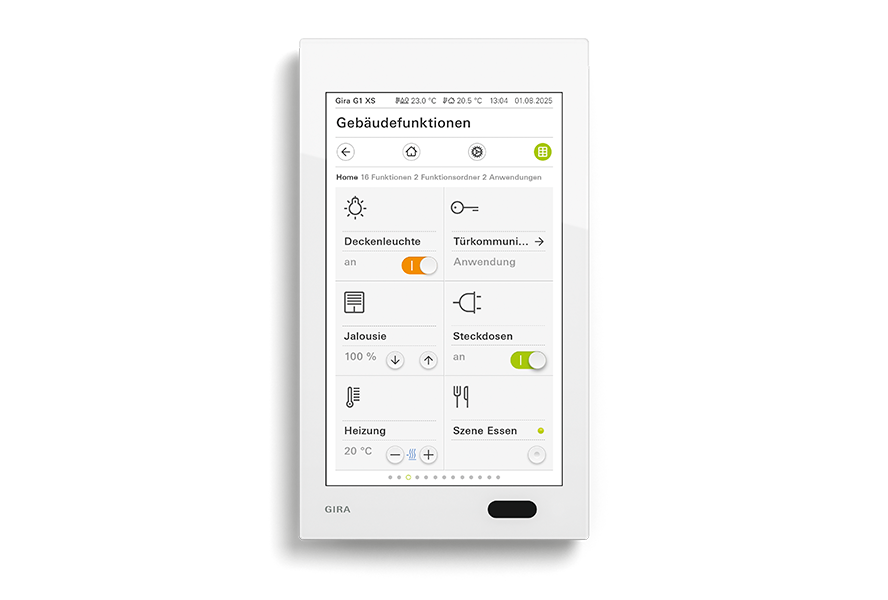
The Gira G1 XS – the compact control centre for Gira One.

The Gira G1 XS adds a compact and attractively priced central operating unit to Gira One. Light, blinds, heating, scenes and door communication can be operated intuitively from a central point – ideal for modern Smart Home projects of any size.

Find out more

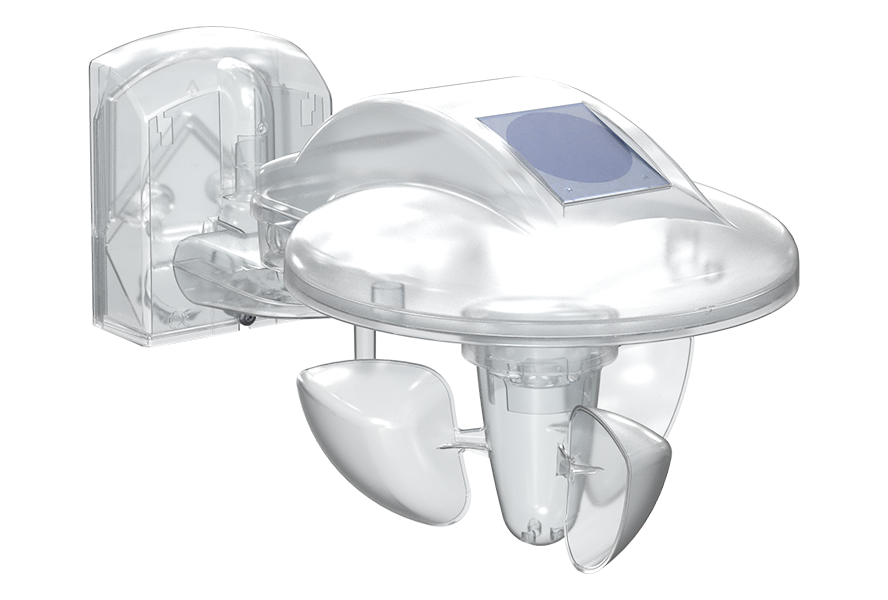
Conveniently control weather-dependent functions.

The new weather control unit brings precise weather-dependent building automation to Gira One. Brightness, temperature, wind and precipitation are recorded and used in conjunction with the weather sensor to provide intelligent automation. This allows shading systems for up to four façades to be controlled automatically and day/night functions to be implemented conveniently. Additional alarm channels for wind, frost and precipitation increase operational safety and support energy-efficient building operation.

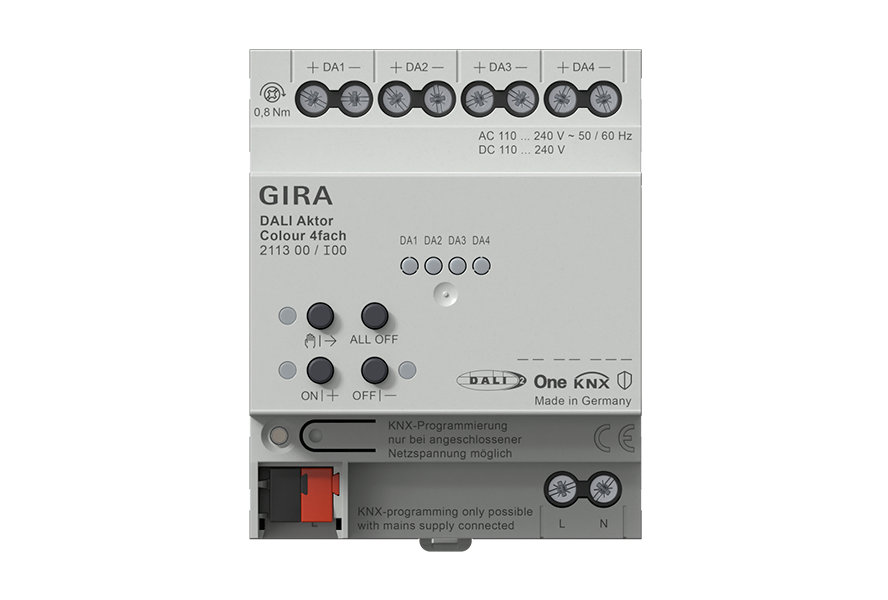
Seamlessly integrate DALI-2 into Gira One.

With the new DALI Actuator Colour 4-gang, DALI-2 lighting systems and sensors can now be directly integrated into the Gira One Smart Home. This enables flicker-free dimming, precise control of colour temperature and coloured light, and convenient operation of sophisticated lighting solutions. Direct integration expands the possibilities of cutting-edge lighting control systems and creates even greater flexibility when planning and implementing high-quality Smart Home projects.

More about DALI

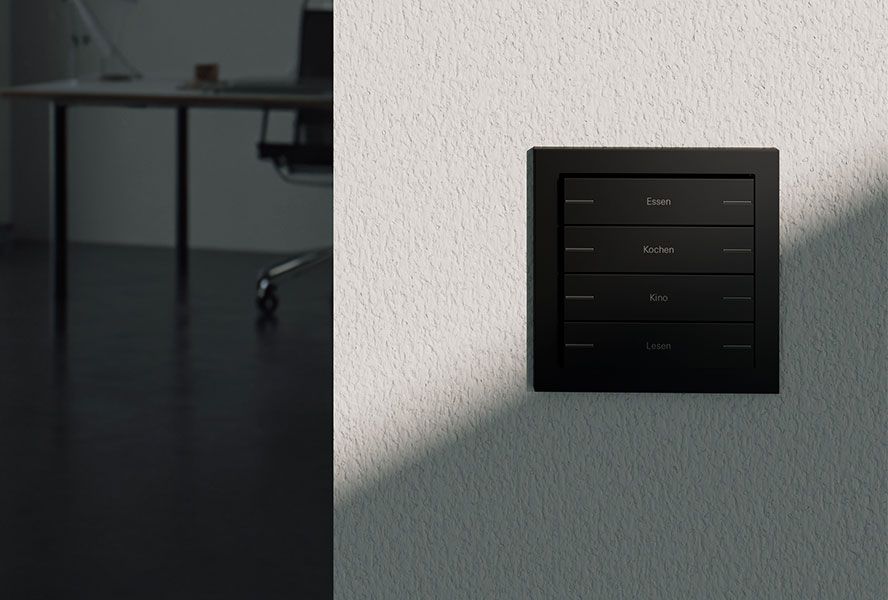
Gira pushbutton sensor 4.70 – greater design diversity for Gira One.

The Komfort version of the pushbutton sensor 4.70 makes the Gira System 70 fully compatible with Gira One. Up to eight freely assignable buttons enable the individual control of light, shading, heating or scenes. The pushbutton sensor brings even more design options for the modern Smart Home to Gira One.

Gira One operating devices. Flexible button operation for Gira One.

With the new button operating concept for all Gira One buttons and pushbutton sensors, it is possible to switch between two states – for example, On and Off – with just one button. This allows operating devices to be used more flexibly and additional functions to be implemented without the need for additional buttons. This creates greater scope for planning and ensures easy adaptation to future customer requirements.

Control your Smart Home from anywhere.

Whether you’re using a smartphone, tablet, Apple Watch or Mac, new widgets for Apple iOS 26, Android, Apple Watch and Mac bring the most important Gira One scenes right to your home screen. Scenes can be started directly via the app and are at your fingertips at all times. This ensures an even more personalised user experience and makes accessing your Smart Home faster and more convenient.

Control Gira One while on the move using Apple CarPlay.

With the integration of Apple CarPlay, Gira One can also be operated while you are on the move. Scenes can be activated directly via the vehicle – safely, conveniently and completely hands-free. This allows the Smart Home to be adapted to suit individual needs, even when on the move.

Use Apple Siri for Gira One.

With the new Apple Siri shortcuts, a convenient voice command is all you need to activate scenes. Whether on the iPhone, iPad, Apple Watch or via Apple CarPlay – frequently used scenes are available quickly and intuitively at all times and expand the personalised operating options of Gira One.

Personalise your visualisation.

More than 400 new symbols enable even greater personalisation of Gira One. Rooms, functions and scenes can be displayed clearly and unambiguously. This improves orientation and creates a user interface that is optimally tailored to the respective Smart Home.

Greater flexibility for individual solutions.

Gira One is opening up even more: selected functions and information from the Gira One Server can be integrated into external applications and systems via the new Gira IoT REST API interface. In addition, external websites can be directly integrated into the Gira Smart Home App via the new URL call feature. This further expands the Gira One integration possibilities and creates more options for individual Smart Home solutions.

Find out more


Book training on the new update now.

In this training, you will learn how to incorporate the latest developments into existing projects and how to update the firmware. Learn about the capabilities and familiarise yourself with the new function templates. Also discover the multi-status display and energy data for a clear overview of relevant information. The use of widgets and shortcuts for convenient operation rounds off the training.

Register now

Downloads

Operating instructions

Gira X1

Operating instructions for the Gira Smart Home app

Bestell-Nr 2096 00

PDF, 2,4 MB

Download


Gira X1

Installation and operating instructions

Bestell-Nr 2096 00

PDF, 382,8 KB

Download


Set up Amazon Alexa

This document describes the setup of Amazon Alexa in connection with the Gira S1 and the Gira X1 or Gira HomeServer.

Bestell-Nr 2089 00

PDF, 4,6 MB

Download


Set up Google Assistant

This document describes the setup of Google Assistant in connection with the Gira S1 and the Gira X1 or Gira HomeServer.

Bestell-Nr 2089 00

PDF, 2,2 MB

Download


Gira One Server

Installation and operating instructions

Bestell-Nr 2039 00

PDF, 279,7 KB

Download

Technical Documentation

Gira X1

Technical documentation

Bestell-Nr 2096 00

PDF, 1,8 MB

Download


Gira One Server

Technical documentation

Bestell-Nr 2039 00

PDF, 632,3 KB

Download

The following files are not available in the language you have selected, but may be in other translations.

Anleitung Widgets und Apple CarPlay

Einrichtung Widgets und Apple CarPlay

PDF, 283,1 KB

Download

Product information

The following files are not available in the language you have selected, but may be in other translations.

Gira X1 Update.

Produktinformation

Bestell-Nr -

PDF, 1,1 MB

Download

Brochures

Smart Home made easy.

Gira One.

Bestell-Nr 19823 90

PDF, 1,9 MB

Download

Software

Gira X1

Product database from ETS 4.1.8

Bestell-Nr 2096 00

ZIP, 246,7 KB

Download


Gira X1 firmware update

To perform the update the Gira Project Assistant V 6.1 is required.

Bestell-Nr 2096 00

ZIP, 103,6 MB

Download


Gira Project Assistant (GPA)

Configuration software for Gira One, Gira L1, Gira X1, Gira S1, Gira G1 and DCS-IP data interface. Please unzip the entire contents of the ZIP folder before installing the GPA!

ZIP, 2637,6 MB

Download


Gira X1 Logic node Schüco

Control of Schüco windows and Schüco sliding systems: The logic node uses the information from the 4-byte datapoint type "Status" of the Schüco KNX gateway to allow control with the Gira X1 function "Shutters/blinds".

Bestell-Nr 2096 00

ZIP, 467,0 KB

Download


Gira Smart Home Windows Client 32 Bit

Gira Smart Home App for Windows PC

Bestell-Nr 2096 00, 2039 00

EXE, 73,9 MB

Download


Gira Smart Home Windows Client 64 Bit

Gira Smart Home App for Windows PC

Bestell-Nr 2096 00, 2039 00

EXE, 78,2 MB

Download


Gira X1 Logic modules "Gira G1 notification" & "Gira G1 DCS-state"

Gira G1 notification: This node is used for the easy generation of text messages on the Gira G1. Gira DCS-state: This node is used to evaluate the Gira G1’s door communication status.

Bestell-Nr 2096 00

ZIP, 461,2 KB

Download


Gira One Server Firmware-Update

To perform the update the Gira Project Assistant V 6.1 is required.

Bestell-Nr 2039 00

ZIP, 61,8 MB

Download

The following files are not available in the language you have selected, but may be in other translations.

Gira X1 Logikbaustein Modbus-Schnittstelle

Der Logikbaustein ermoglicht eine Integration von PV-Anlagen, Batteriespeichern und Wärmepumpen sowie Heizungsanlagen und Ladestationen in das KNX System.

Bestell-Nr 2096 00

ZIP, 233,9 KB

Download

Guides / system basics

Gira One

System basics, from GPA version 6.1 onwards

PDF, 10,3 MB

Download

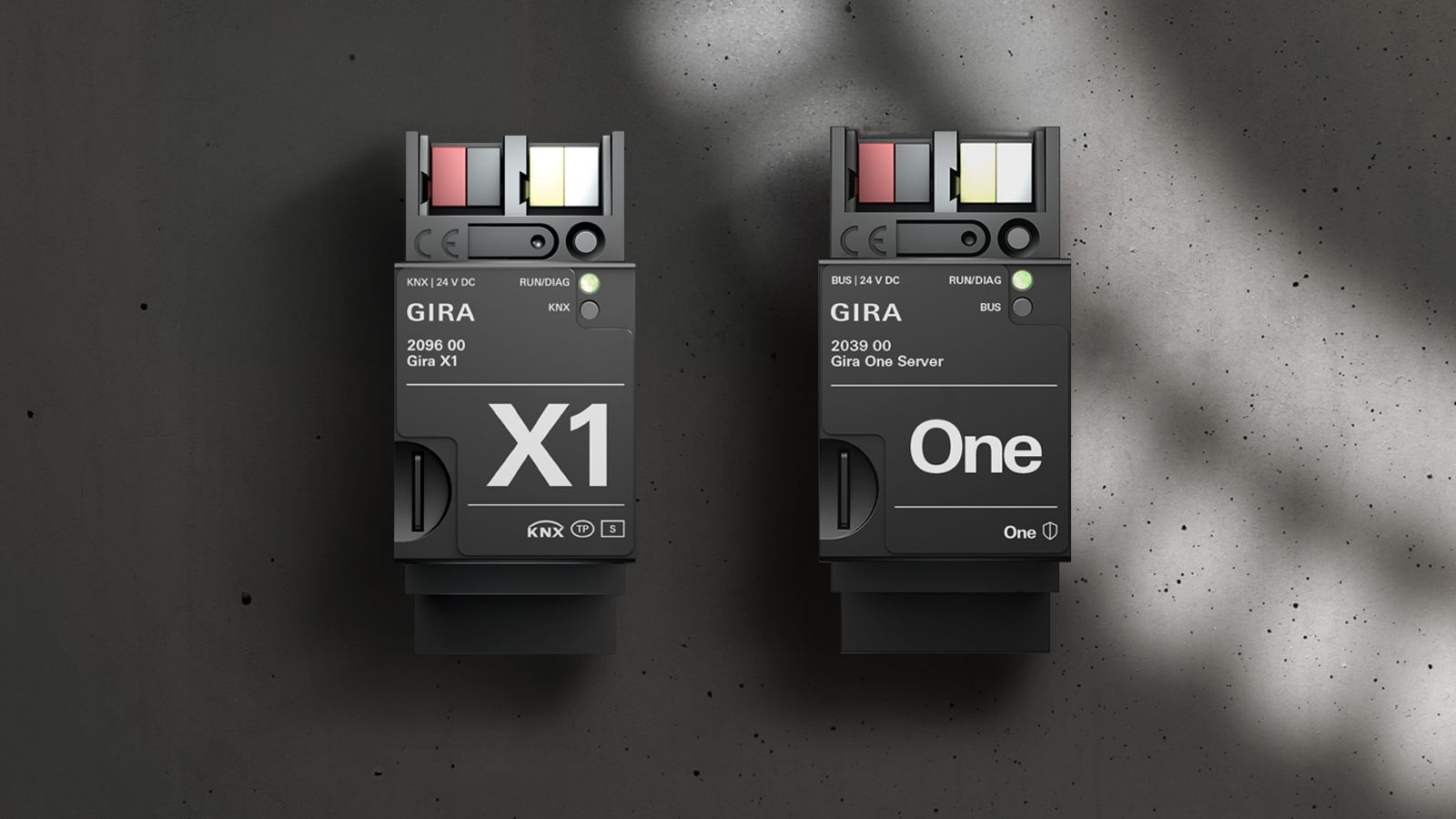
Gira X1 Gira One